✏️ Comments & Attachments
Keep a Full Trading Diary
TradeMetrics allows you to not only add text comments to your trades but also attach any files and links. This makes your trading diary as informative as possible.
📝 Text Comments
Add notes to each trade to analyze mistakes, highlight good decisions, and improve your strategy.
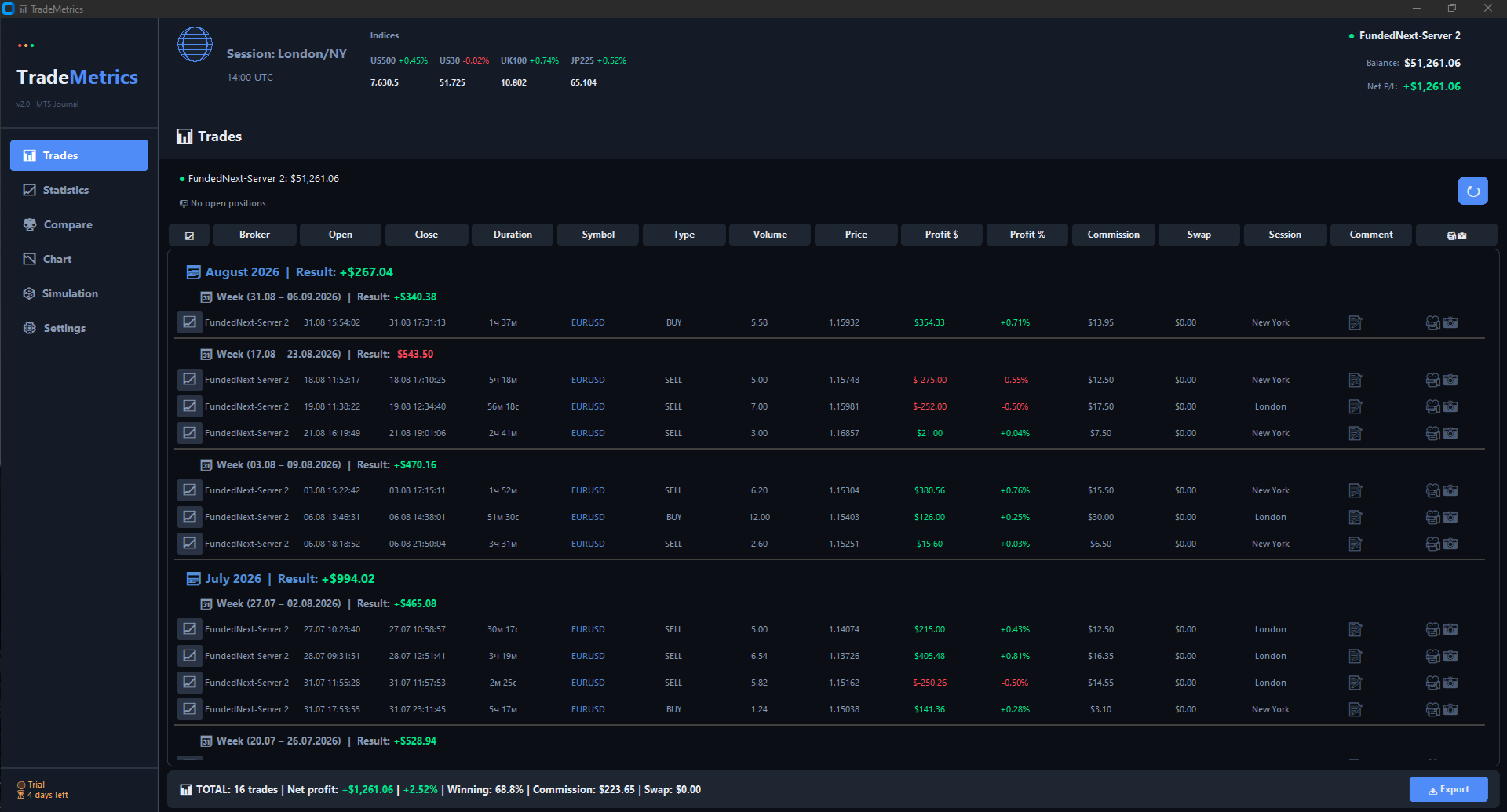
Comment and attachment icons in the trade table
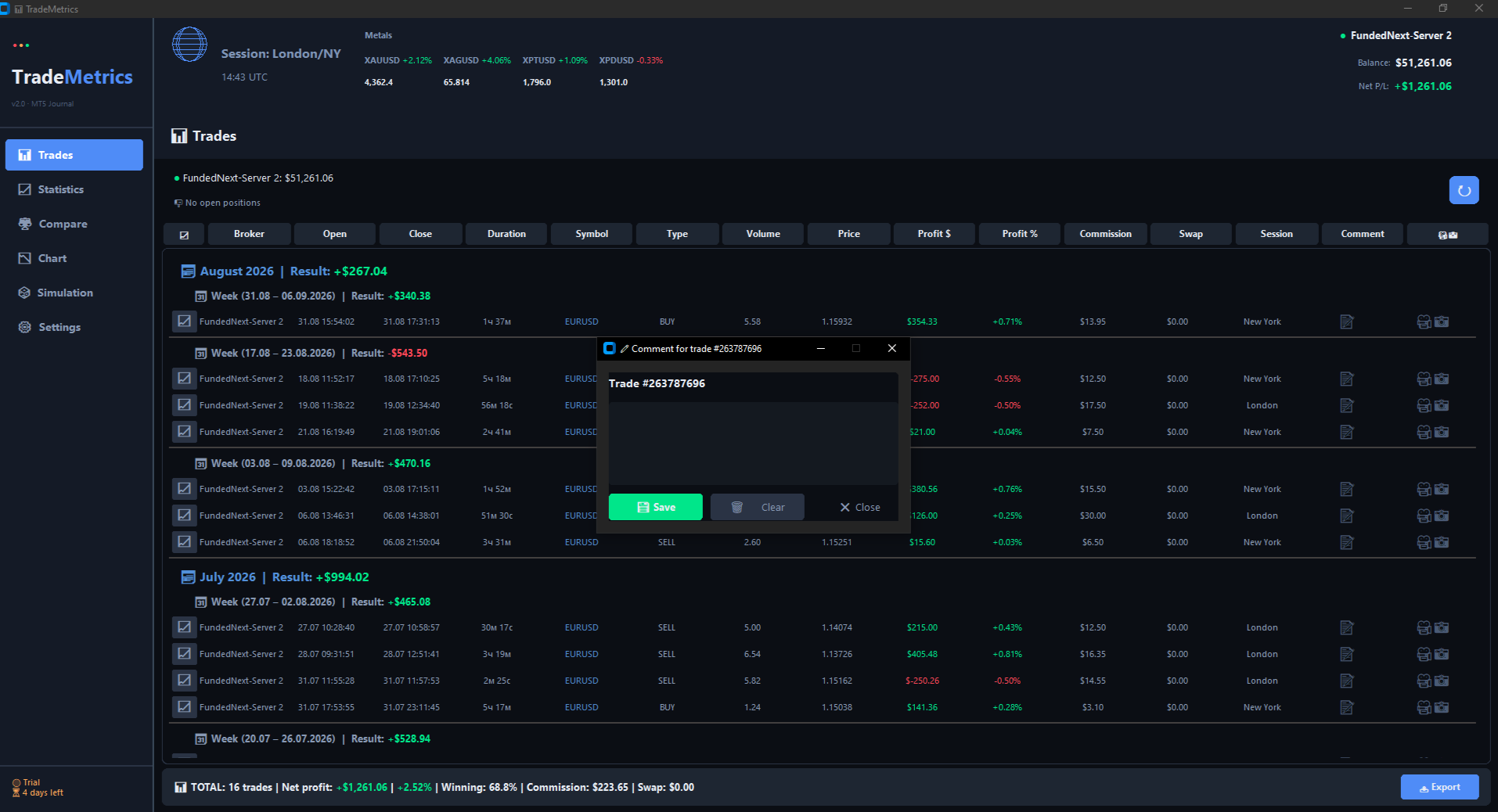
Comment editing window for a trade
📎 Attachments to Trades
You can attach files or links to each trade. This is especially useful for:
🖼️ Trade Screenshots
Take screenshots of charts, levels, indicators — everything that will help you remember the trade context a week or month later.
- 📸 Supported formats: PNG, JPG, JPEG, GIF
- 🖱️ Click on the icon to open the screenshot
- 🗑️ Can be deleted or replaced
🎬 Terminal Video Recordings
Especially relevant for scalpers who trade using Depth of Market (DOM). Record your screen during trading and attach videos to your trades.
- 🎥 Supported formats: MP4, AVI, MOV, MKV
- 📹 Video opens in an external player
- 💡 Perfect for analyzing execution speed and DOM trading
🔗 Chart Links
Save links to TradingView charts, other platforms, or external analytical materials.
- 🌐 Save URLs from any website
- 📊 Especially useful for TradingView chart links
- 🔗 Clicking the icon opens the link in your browser
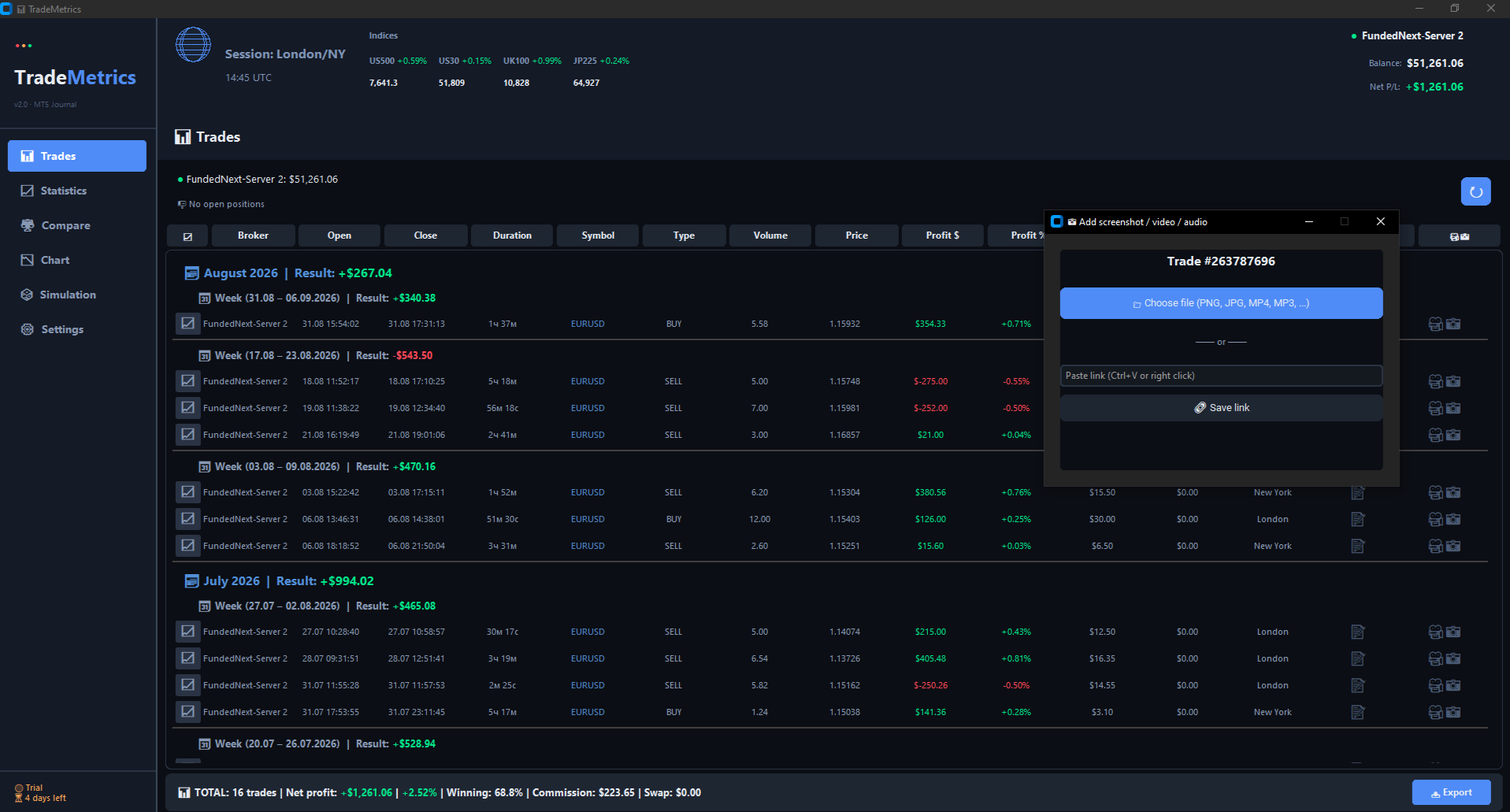
Add attachment menu — select a file or paste a link
How it works
- 🎥📸 Click the attachment icon in the trade table
- 📁 Select a file from your computer or paste a link
- 💾 The file is saved locally in the account's data folder
- 🔗 Links are saved in a separate file
- 📖 Hovering shows the attachment type icon
- 🖱️ Click opens the file or link
🔒 TradeMetrics — Professional Trading Journal